FlipBuilder offers powerful features, from seamless conversion to multimedia integration and flexible publishing, making it easy to convert PDF to flipbook with high-quality results.
(PRUnderground) December 26th, 2025
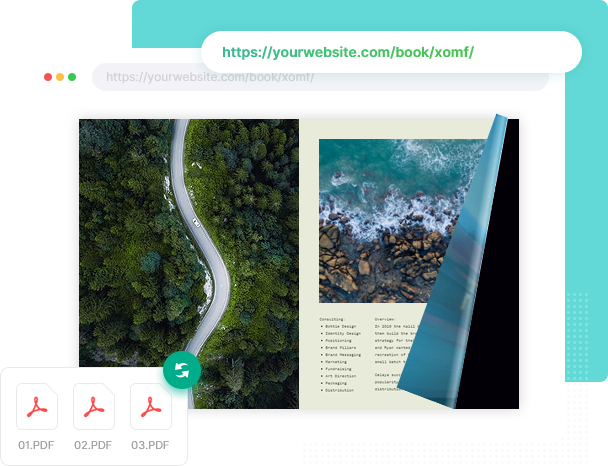
As digital publishing continues to expand, more and more people are moving away from traditional PDFs toward more compelling formats to deliver their content. FlipBuilder, a digital publishing software company, offers Flip PDF Plus Pro to help users convert PDF to flipbook with ease and efficiency. Designed for professional and casual users, the software supports creating interactive flipbooks with realistic page-turning effects and responsive design for seamless viewing across devices.
With Flip PDF Plus Pro, it’s a breeze to convert PDF to flipbook. Users simply import one or more PDF files into Flip PDF Plus Pro, and the software transforms them into digital flipbooks in minutes. The batch conversion feature empowers users to import multiple PDFs or entire folders at once, without the need to process files individually. This streamlined workflow is especially valuable for those handling large volumes of documents.
Flip PDF Plus Pro offers customizable design options. Users can choose from a wide range of meticulously crafted templates, themes, and animated scenes to instantly define the appearance of their flipbooks. They are also able to customize the toolbar, from adding buttons to modifying its style. Plus, the software enables users to add a table of contents, bookmarks, and brand logos to align the flipbook with specific presentation goals or visual identity.
One of the key strengths of Flip PDF Plus Pro is its robust multimedia integration. After users convert PDF to flipbook, Flip PDF Plus Pro’s built-in multimedia editor makes it easy to embed videos, images, audio files, hyperlinks, tables, and animations directly into the flipbook. These dynamic elements support explanations, product references, or navigation, making the flipbook more engaging and helping readers better understand the content.
Flip PDF Plus Pro also provides flexible publishing options. Users have the freedom to export flipbooks in multiple formats, such as HTML, EXE, APP, and APK, making content accessible across multiple channels. For seamless online distribution, users can upload flipbooks to FlipBuilder’s online hosting platform, which automatically generates unique links and QR codes while allowing direct sharing on Facebook and X.
“FlipBuilder offers a practical way to convert PDF to flipbook, giving users the flexibility to present documents in a dynamic, appealing format. With powerful customization tools and versatile publishing options, it supports a wide range of publishing needs—from educational materials to professional product brochures,” said Winston Zhang, CEO of FlipBuilder.
To learn more about how to convert PDF to flipbook, please visit FlipBuilder.
About FlipBuilder Software Co., Ltd.
FlipBuilder is an innovative and professional digital publishing platform, providing the best solution to convert static PDF files into wonderful online flipbooks. From design to delivery, we focus on simplicity in use and power in function. Unlike traditional printed publications based on paper, you can create an online elegant digital magazine within several steps.
The post FlipBuilder Helps Users Convert PDF to Flipbook with Its Powerful Features first appeared on
Original Press Release.